


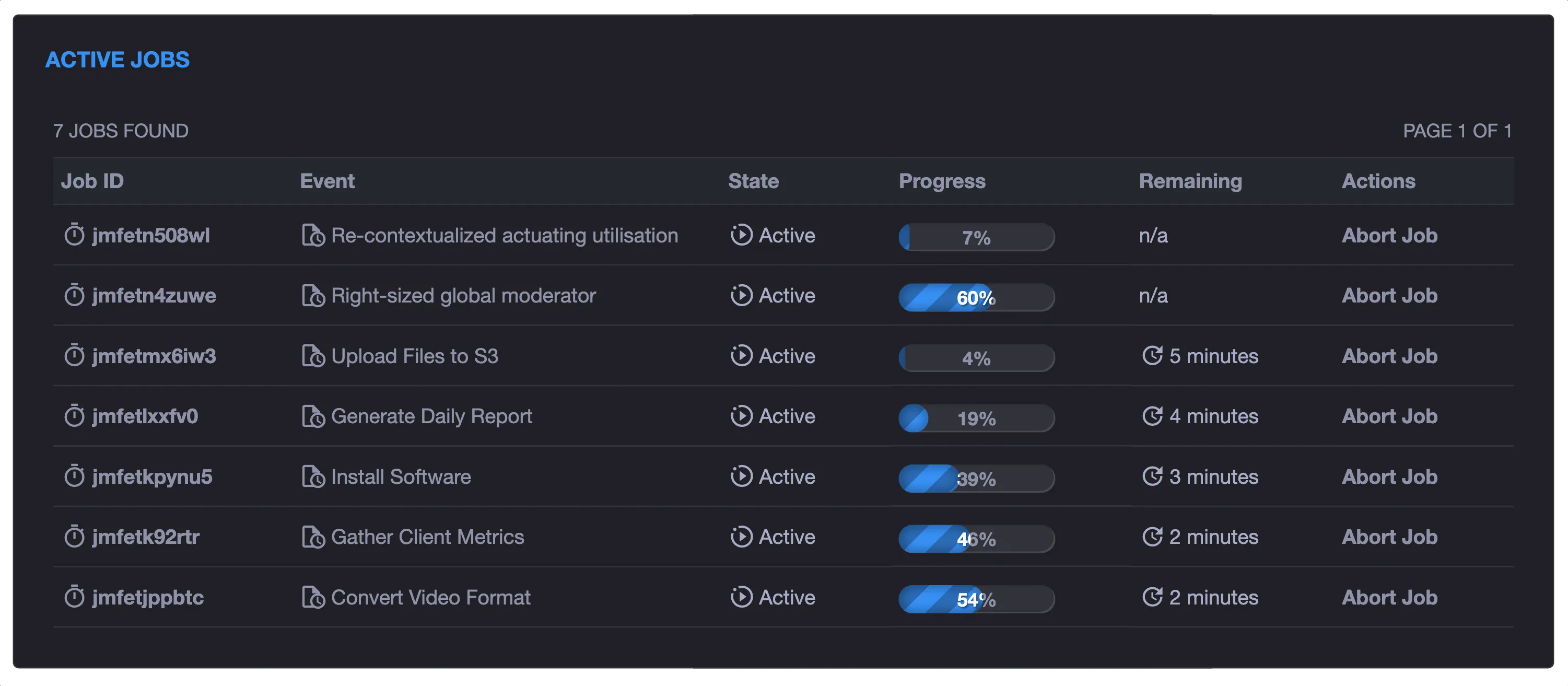
Run Anything
Schedule scripts and plugins across one server or an entire fleet. Use calendars, intervals, webhooks, priorities, queues, and resource limits.
- Fleet targeting
- Any-language plugins
- Live logs and progress
Meet xyOps, the next generation of Cronicle.
Schedule every job. Orchestrate every workflow. Watch every server. Respond with full context.
Fully open source.Self-hosted.No telemetry.No feature gates.
Watch the product tourAlready using Cronicle? Import your data, keep compatible plugins, and bring your schedules forward.
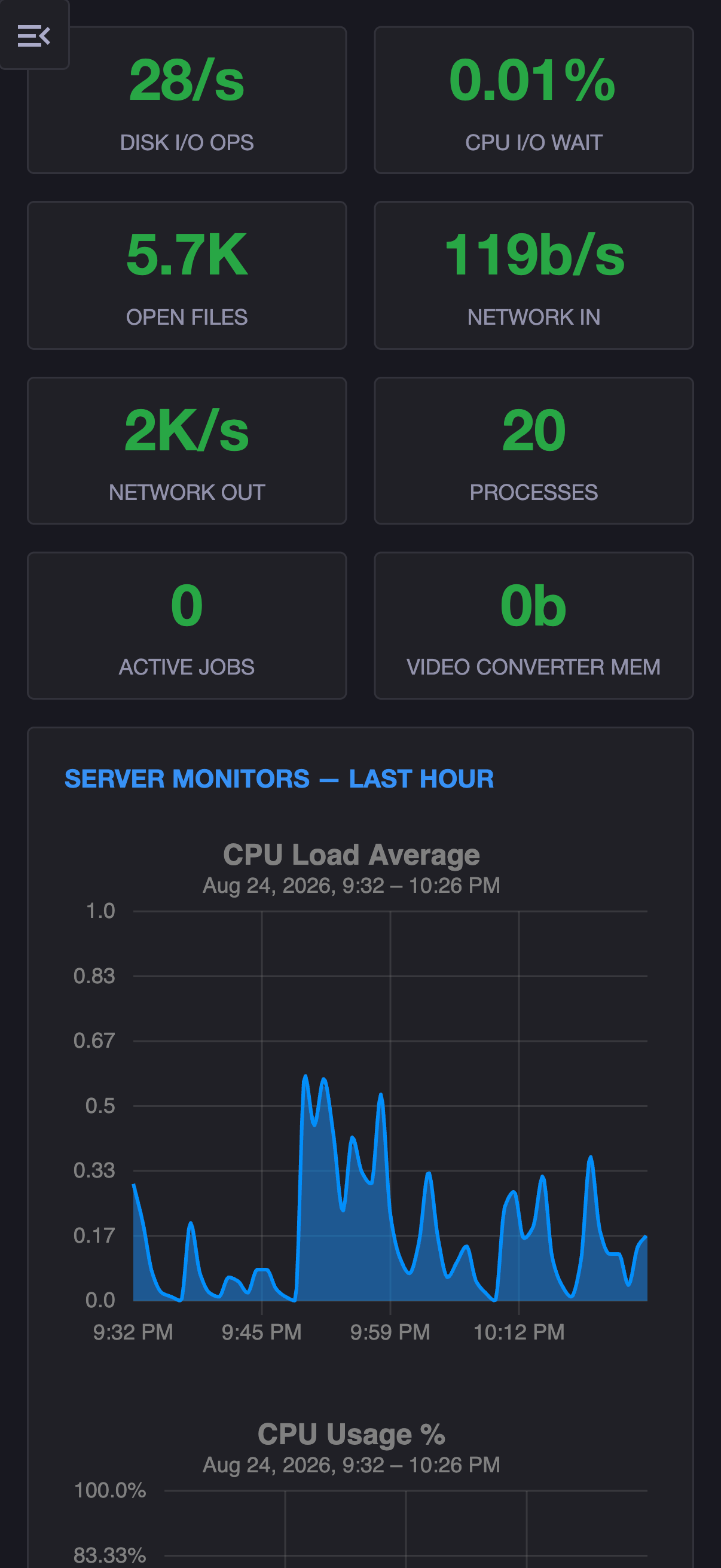

“I like that the system is easy to set up and use, but still offers an incredible amount of features and is easily extendable.”
Martin describes xyOps as the sweet spot between simpler workflow tools such as n8n and complex data platforms such as Apache Airflow.

“I was confident I’d like xyOps, but I had no idea how much easier it would make creating, monitoring, and running all our workflows.”
“I used Cronicle for many years and kept watching for its successor. When xyOps dropped, it did not disappoint. It’s now a central piece of all my automation.”
Most teams accumulate the same pile: cron jobs, shell scripts, workflow tools, monitoring dashboards, alert channels, and incident notes. Each tool sees one part of the system. When something fails, the operator has to reconstruct what happened across all of them.
xyOps connects the entire operational loop. It schedules the work, runs it across your fleet, watches the servers, captures the moment something goes wrong, and gives your team a path to respond.
 xyOps
Schedule, observe, and respond in one place.
xyOps
Schedule, observe, and respond in one place.
xyOps keeps the job, the machine, the alert, and the response inside one continuous operational story.
Calendar, interval, webhook, custom trigger, or demand.
One server, a group, or your entire fleet.
Jobs and infrastructure together in real time.
Flexible conditions detect the moment something changes.
Freeze the relevant server state automatically.
Notify, ticket, call a webhook, or run remediation.
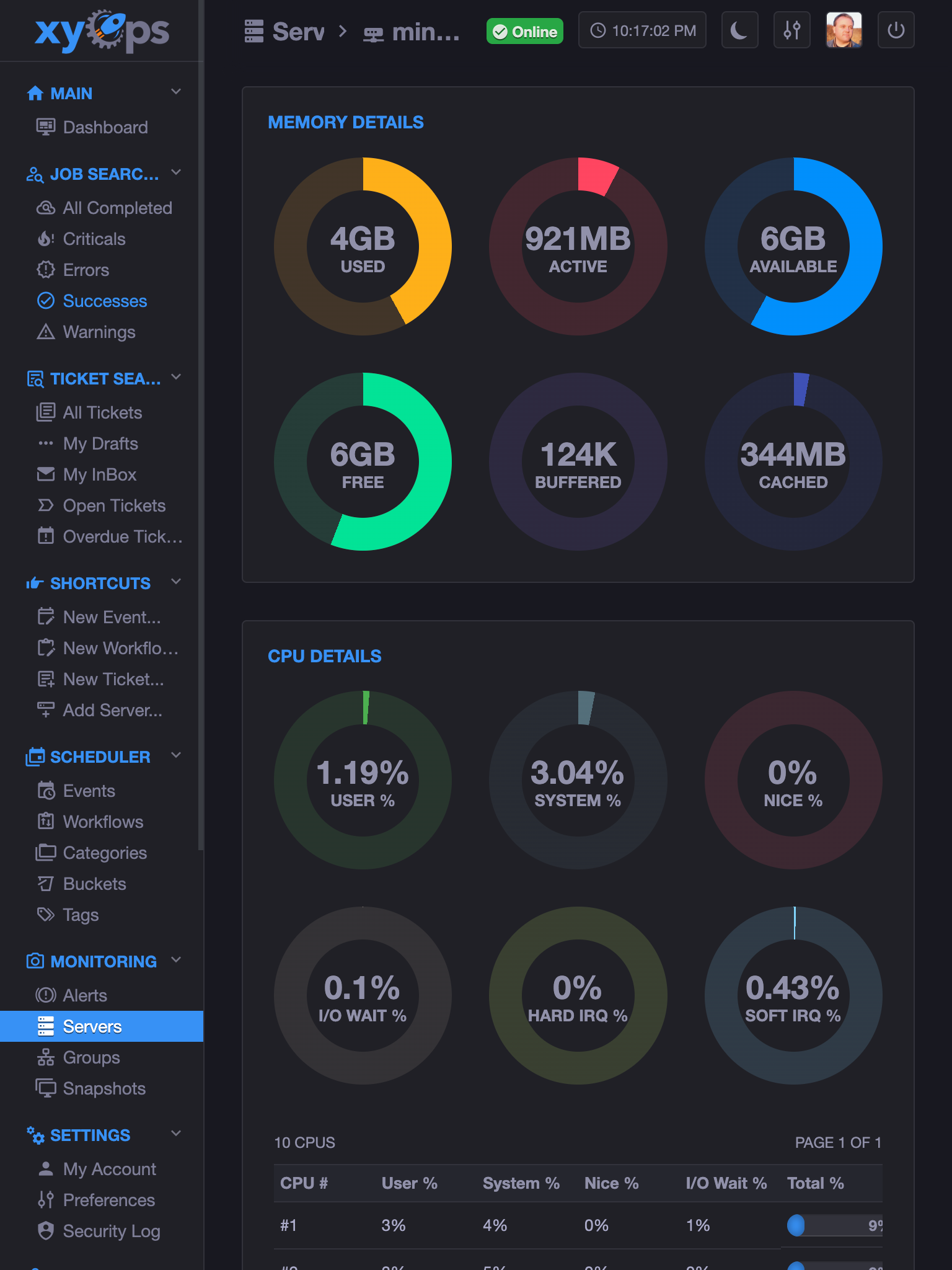
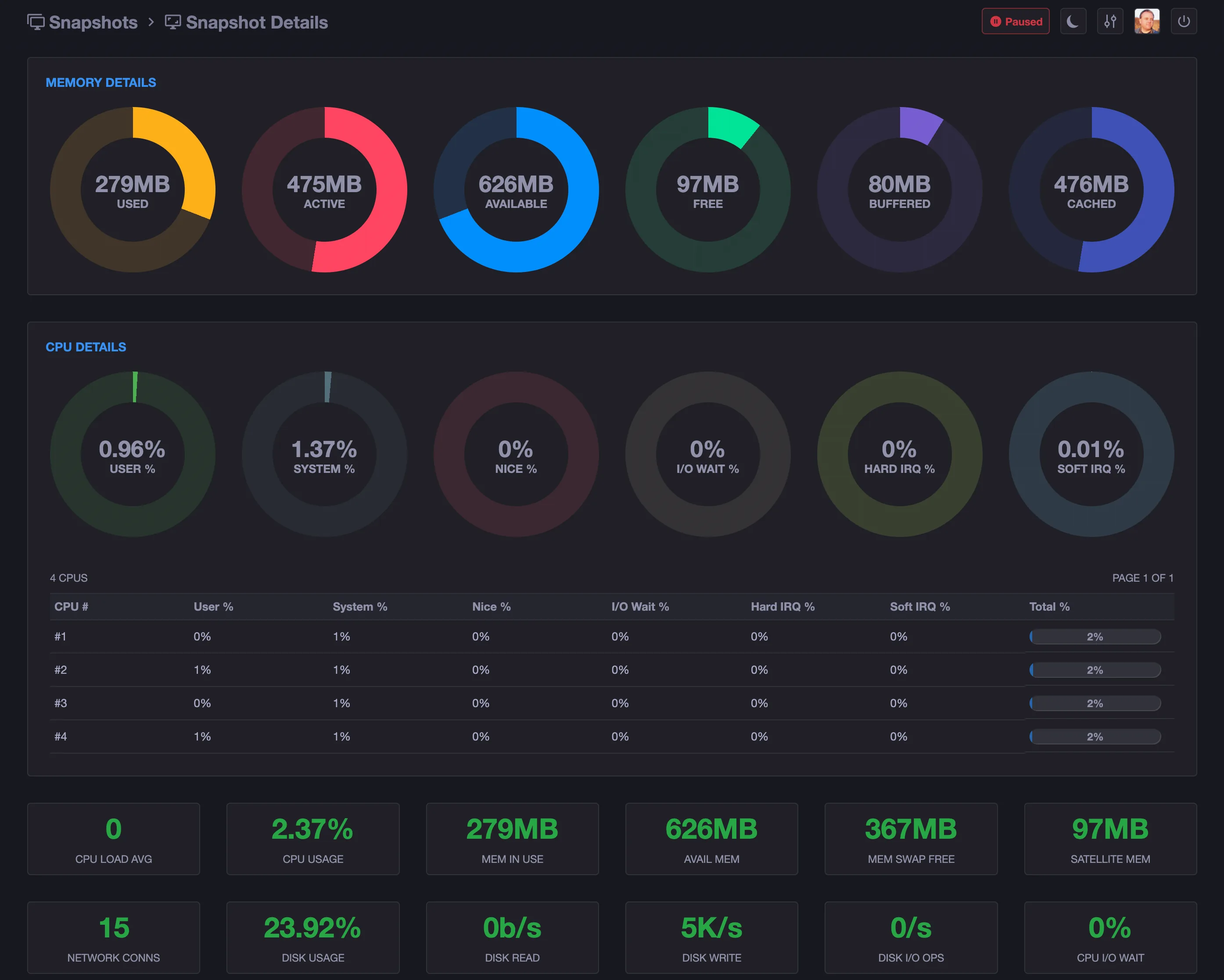
When an xyOps alert fires, it can capture a full server snapshot with metrics, processes, network connections, active jobs, and alert state frozen at that moment.
CPU, memory, job state, or any custom monitor crosses a meaningful threshold.
Metrics, jobs, processes, connections, and alert state are frozen together.
Open the alert, then its snapshot. The original moment is waiting for you.
Launch remediation or open a ticket with the evidence already attached.

A literal two-click journey from the alert to the process causing it.
Schedule scripts and plugins across one server or an entire fleet. Use calendars, intervals, webhooks, priorities, queues, and resource limits.
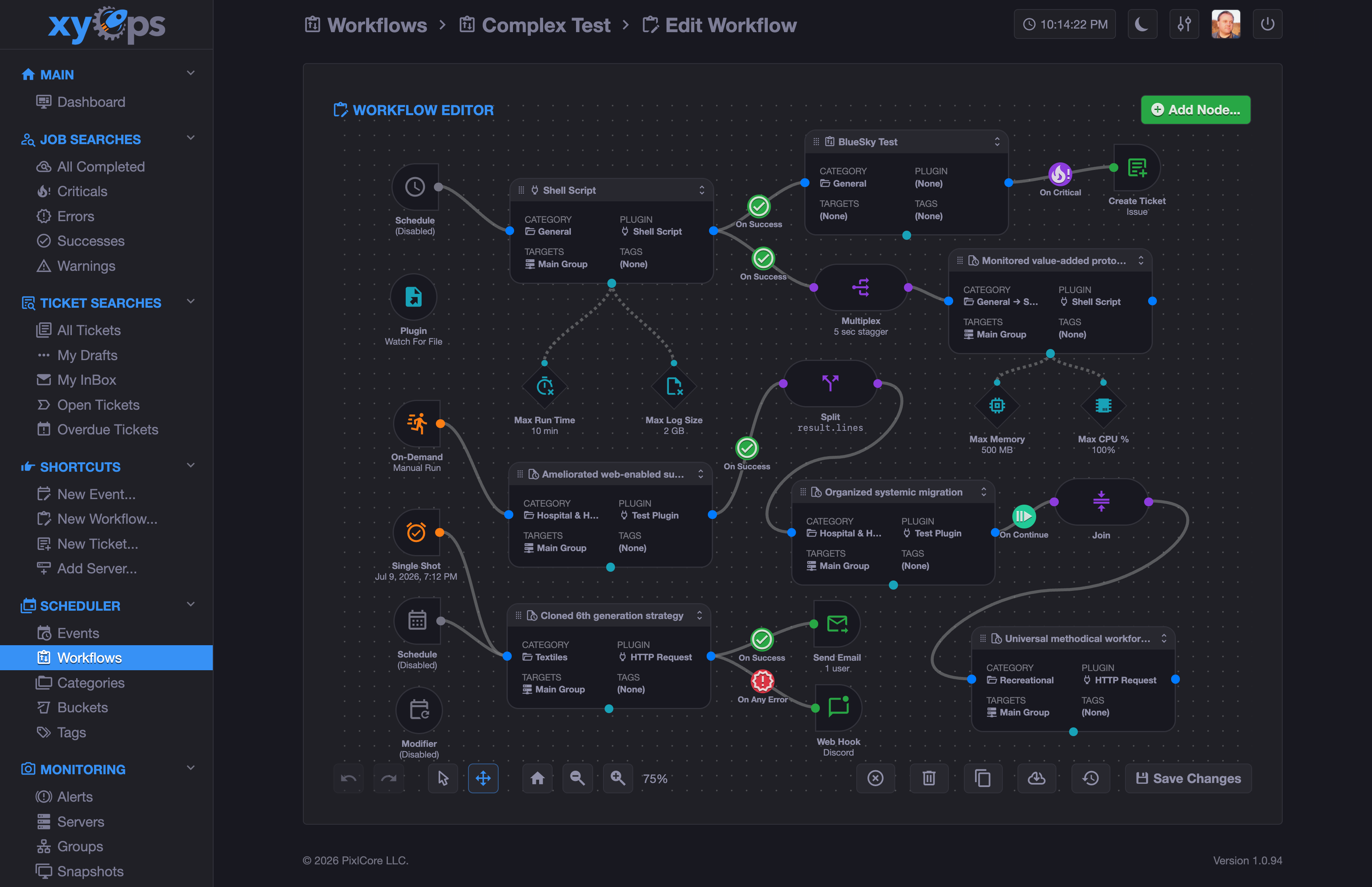
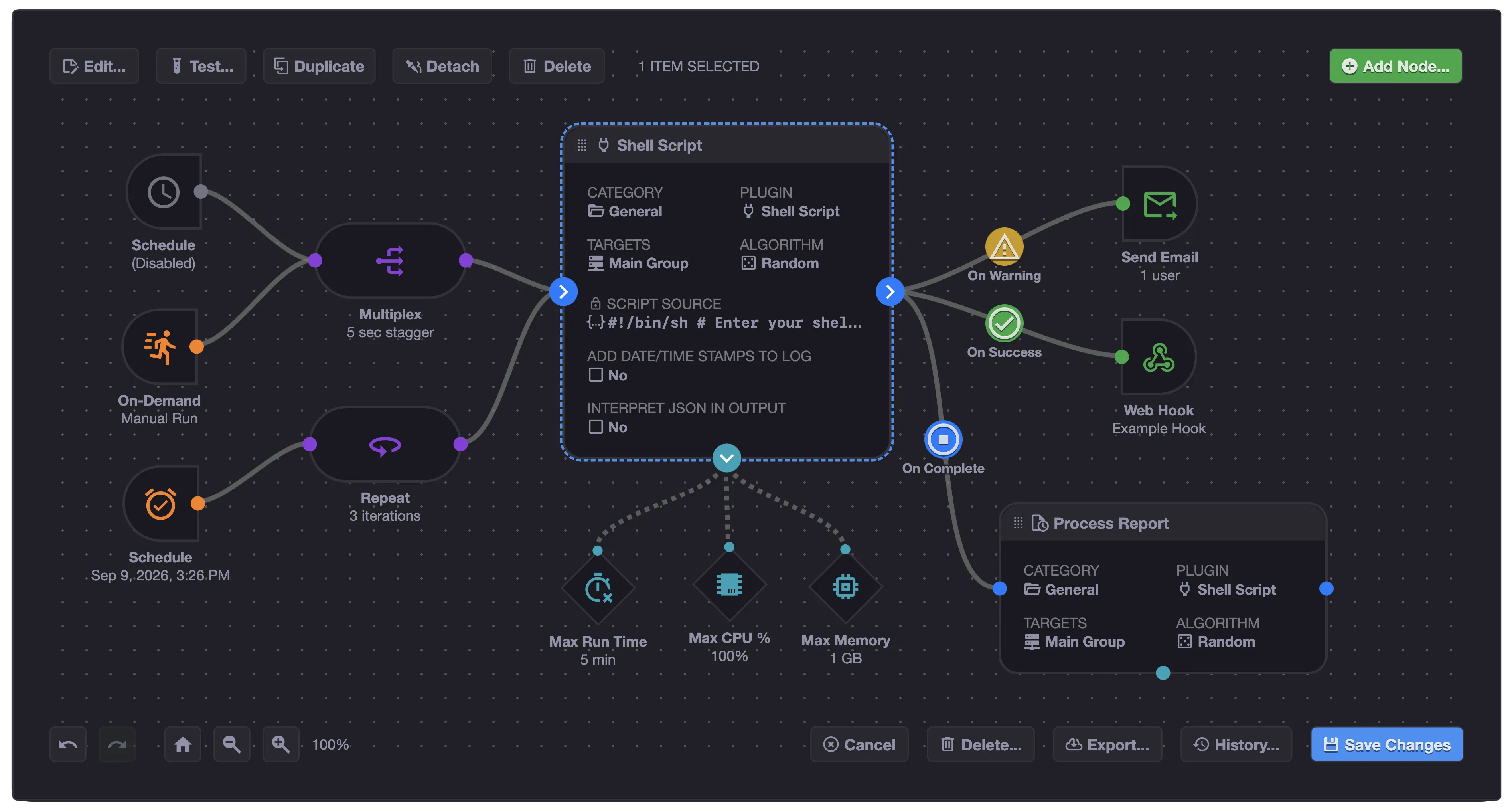
Turn operational jobs into understandable workflows with branching, parallel execution, joins, human approval, replay, and data passing.
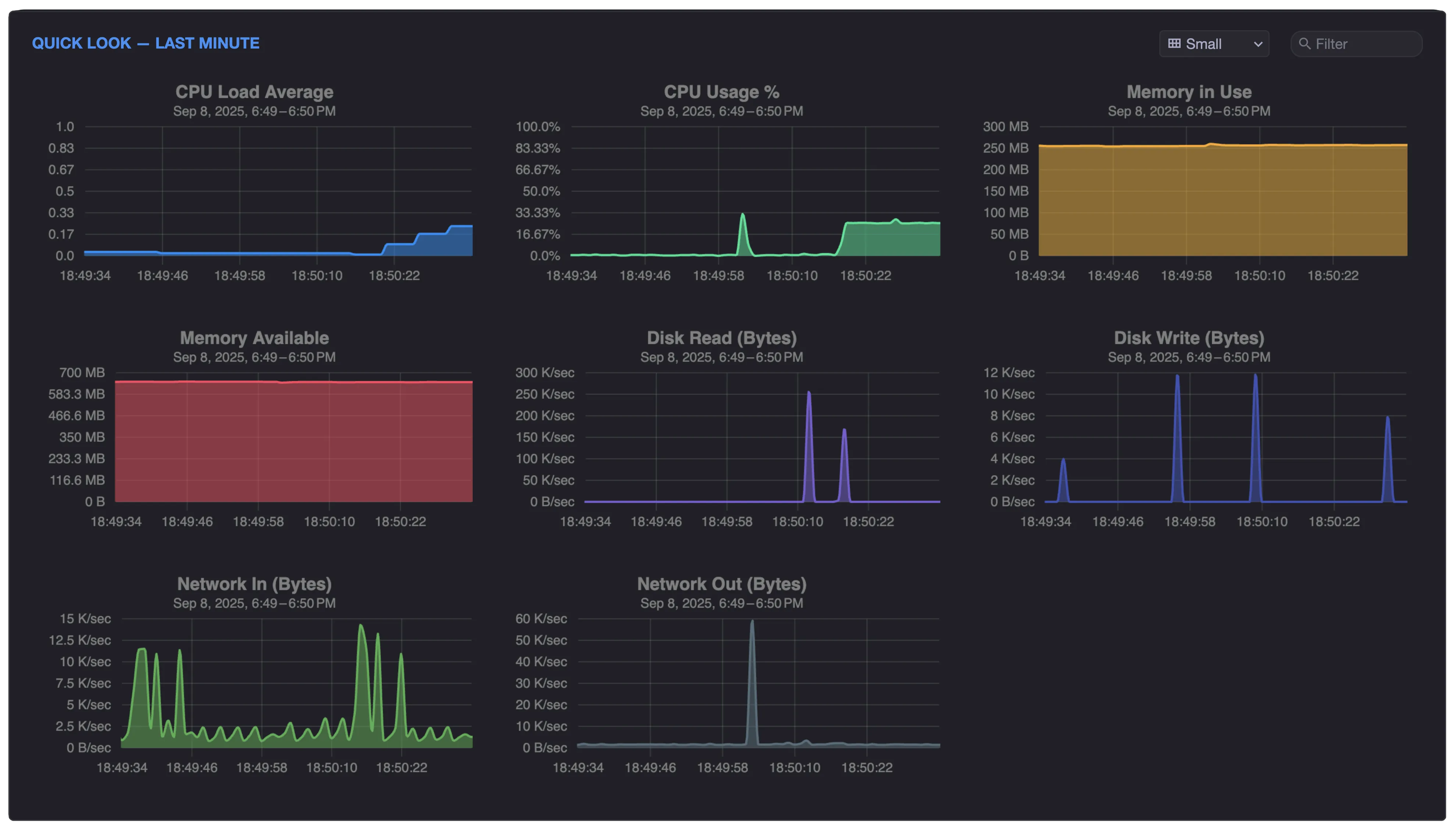
Watch servers and jobs together. Track built-in and custom metrics, inspect processes and connections, and compare historical performance.
Turn failures and alerts into actions. Capture snapshots, open tickets, call webhooks, block unsafe launches, or start remediation automatically.
xyOps is the next generation of Cronicle, built by the same creator. Export your Cronicle data, import it into xyOps, and continue with a platform designed for the next decade of operations.
 CroniclexyOps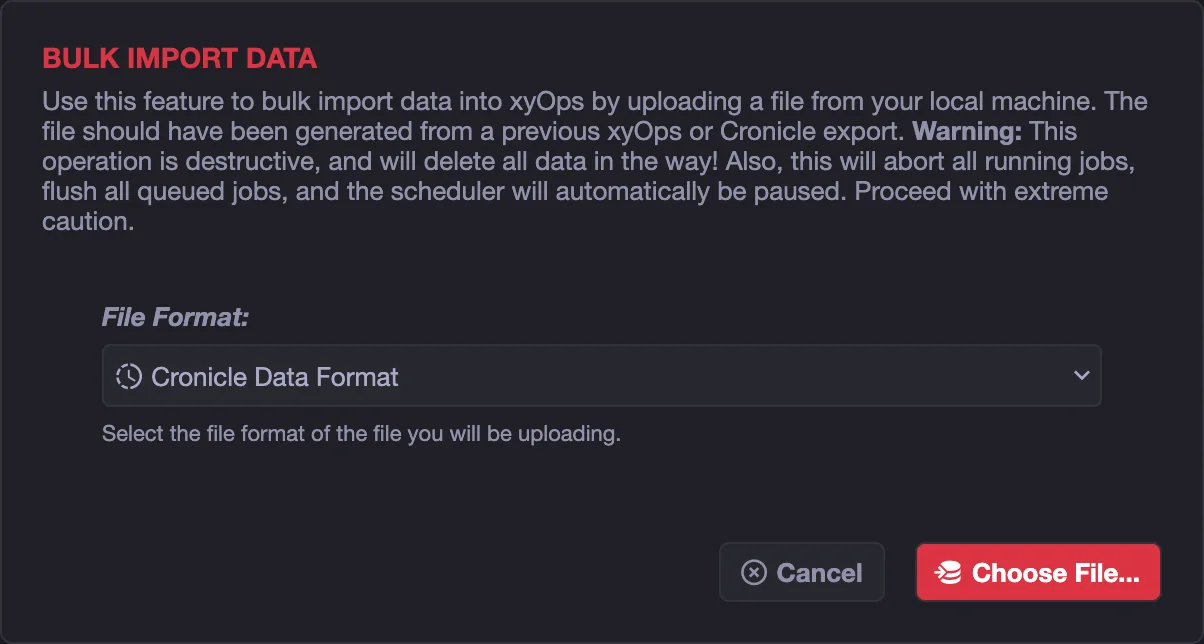
 Customer story
average job speedup compared with AWS Lambda
Inkarnate moved long-running, compute-intensive data migrations from AWS Lambda to xyOps running on high-performance EC2 instances. Jobs process hundreds of megabytes of JSON, launch headless Chromium, and report progress through built-in webhooks. Per-run logs and runtime data also make failures significantly easier to diagnose.
“We just ran 75,000 jobs across 75 servers in under 2 hours without issue! Love to see it.”
Jake L. Senior Developer at Inkarnate
xyOps does not use an open-core bait and switch. Workflows, monitoring, alerts, snapshots, tickets, roles, SSO, secrets, buckets, APIs, high availability, and every other application feature are available in the public BSD-licensed source.
Paid plans add production support and confidence, not feature unlocks.

I have spent more than a decade building open-source scheduling and operations software. Professional customers receive private ticket support with a one-business-day response target. Enterprise customers add direct access to me for deployments, migrations, upgrades, troubleshooting, and product feedback.
Talk to Joe about your environmentWatch xyOps schedule work, coordinate visual workflows, monitor target servers, capture alert context, and launch a response.
The software is identical at every level. Choose the support relationship your team needs.
Self-host the complete xyOps application with community support.
Or $2,000 yearly
Private support for teams relying on xyOps in production.
Or $10,000 yearly
Fast response, hands-on guidance, and purchasing flexibility.
Prices are in USD. Paid plans are support subscriptions and do not unlock application features. By purchasing, you agree to the terms and privacy policy.
Still wondering whether xyOps fits your environment? Ask Joe directly.
xyOps is the next generation of Cronicle, built by the same creator. It carries forward the job-scheduling and plugin philosophy while adding a new architecture, visual workflows, live monitoring, alerts, snapshots, tickets, secrets, buckets, and many other capabilities.
No. xyOps is a separate application with a migration path. The importer, plugin compatibility mode, and migration guide make the transition easier, but you should test the migration before replacing a production Cronicle installation.
Yes. The complete application is available under the BSD 3-Clause license. Paid plans provide support and services, not feature unlocks.
Companies purchase support for private tickets, faster troubleshooting, production deployment guidance, migrations, upgrades, SSO assistance, air-gap assistance, and defined response targets. Enterprise support also includes direct access to Joe.
No. The xyOps application sends no telemetry anywhere, and it never will. It includes no product analytics, usage tracking, or outbound reporting to PixlCore or any other telemetry service. Customer jobs, logs, metrics, secrets, configuration, tickets, snapshots, and usage data remain inside the customer's environment.
xySat is a lightweight, self-contained worker and metrics agent for Linux, macOS, Windows, and Docker environments. It ships as a dependency-free executable package with everything it needs and installs itself as a service. Unlike Cronicle, you do not need Node.js or the full application on every worker server.
Yes. Production teams can contact Joe directly to discuss fit, deployment, migration, billing, and support.
Install the complete platform today, bring your Cronicle schedules forward, or talk directly with Joe about running xyOps in production.